

Reaktion Academy
Reaktion’s Customers Module
Reaktion’s Customers module offers you the ability to segment your customers based on a few criteria. This segmented data can then be exported into your desired marketing platform and can be used to create a look-alike or re-marketing audience. Creating look-alike and re-marketing audiences enables e-commerce businesses to reach new potential customers who resemble their best existing ones and re-engage those who have shown interest but haven’t yet converted. This targeted approach enhances ad effectiveness, optimizes spending, and improves overall marketing efficiency.
Reaktion allows you to export your customer data into a CSV file that can be specifically formatted for use with:
– Meta Ads
– Google Ads
– Snapchat Ads (email)
– Snapchat Ads (phone)
To access the customer segmentation features, please click here.
There are three categories of Segments –
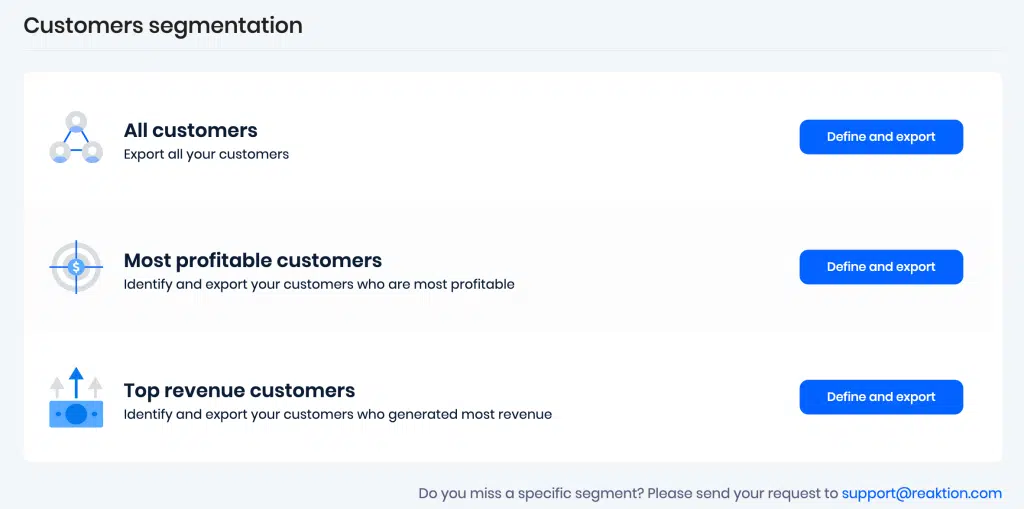
All Customers – Report Link.
This refers to segmenting a certain percentage audience segmentation of all customers. You can also decide what percentage of your entire customer base should be included in the audience using the slider. And you can see how the lookalike audience size, average number of orders, average accumulated revenue, and average accumulated Gross Profit look like. And, you can take a CSV export of the data.
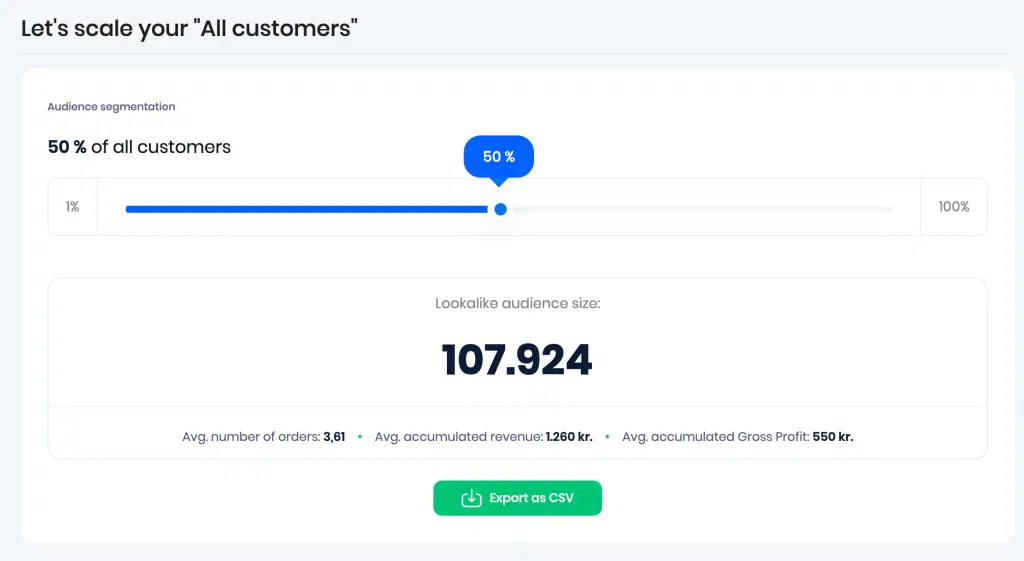
Most Profitable Customers – Report Link.
This can be used to identify and export your customers who are most profitable –
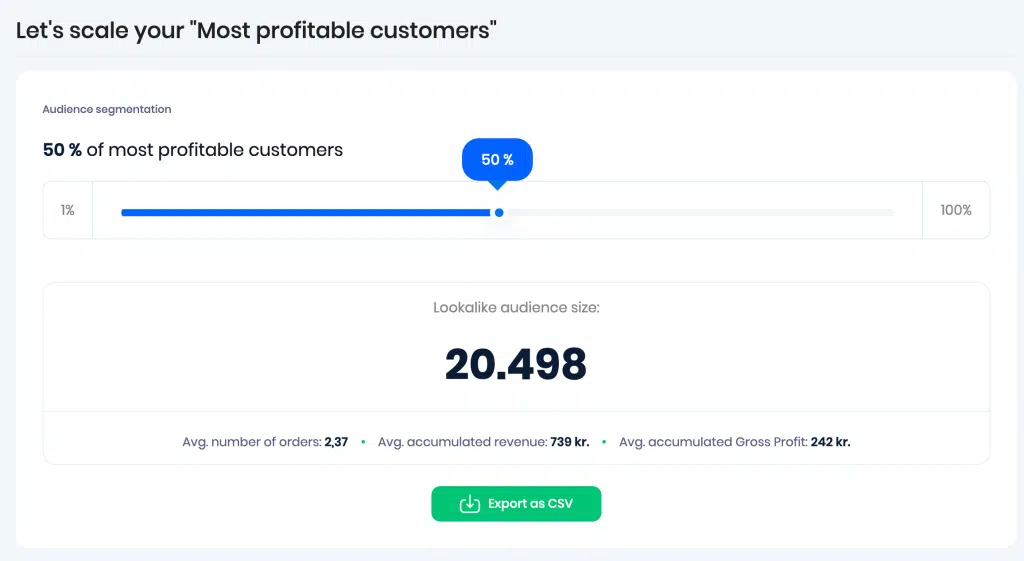
Top Revenue Customers – Report Link.
This can be used to identify and export your customers who generated the most revenue.
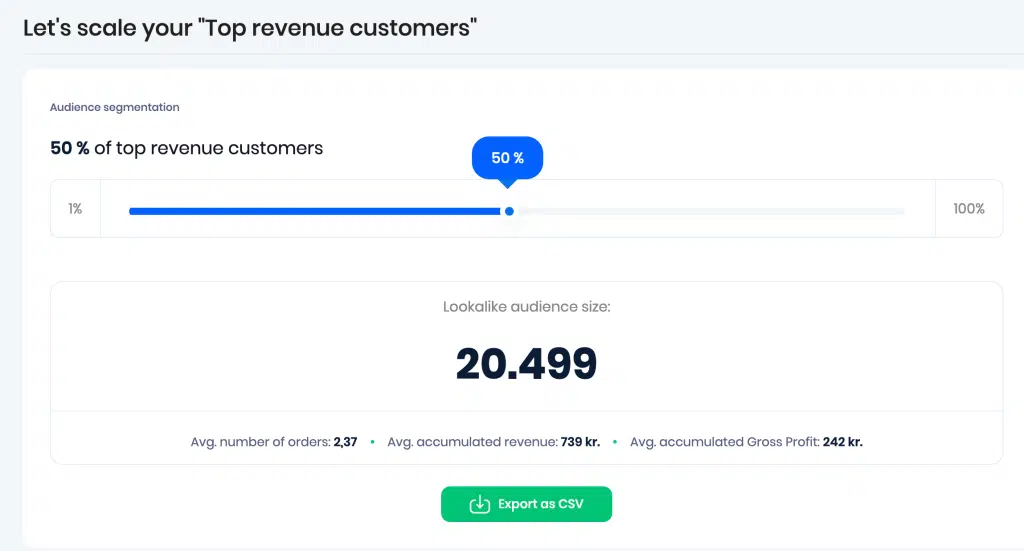
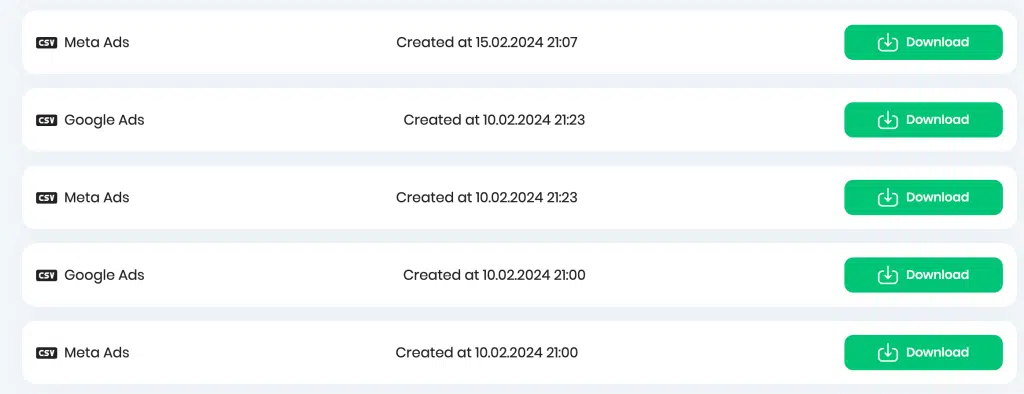
All of your past exports can always be found under these segmentation options –
That covers the Customer Segmentation feature in Reaktion.