

Reaktion Academy
User Management module in Reaktion
Reaktion has a separate user management module for all kinds of users, whether it is your co-worker, a client, or an agency that you would like to invite.
It is extremely easy to add a new user to your Reaktion account. Please click on this link to navigate to the User Management module –
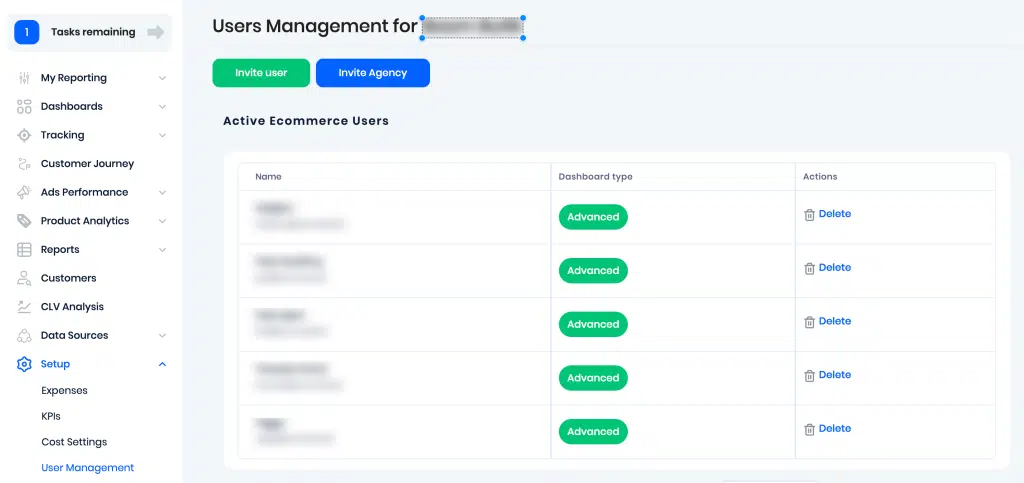
E-commerce Users – If you would like to invite users (co-workers from your company like e-commerce managers, CFO, CEO, etc), you can use the ‘Invite user’ option. Click on this and add the user’s email you would like to invite. They will receive an email invitation with a link. They can now join your Reaktion account by setting their own password. Afterwards they can login and access the account.
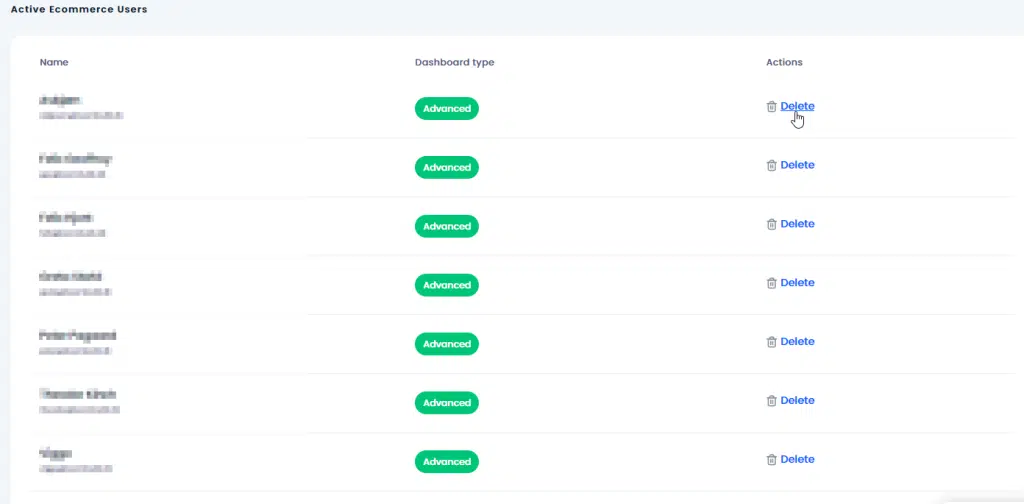
To delete users, you can simply press Delete against the desired user –
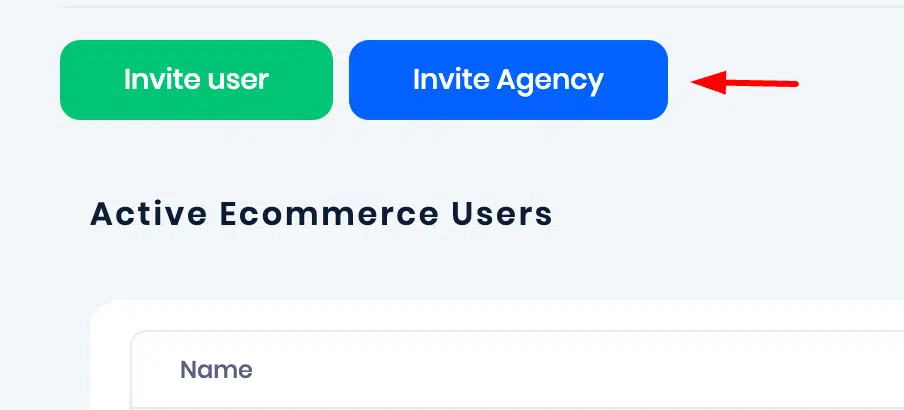
Agency – As an e-commerce client, fi you want to invite your agency to your Reaktion account, please use the ‘Invite Agency’ button and enter the agency user’s email address –
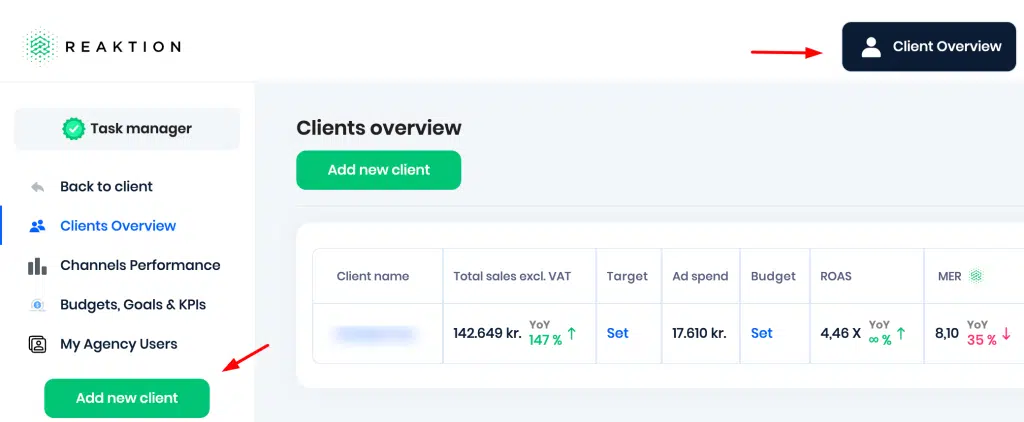
If you are an agency and would like to add your clients, please navigate to the ‘My agency Users’ section by clicking on the ‘Client Overview’ option at the top > My agency users > Add new client –
You can also access this section directly using this link – https://advertiser.reaktion.com/agency/overview/agency-users
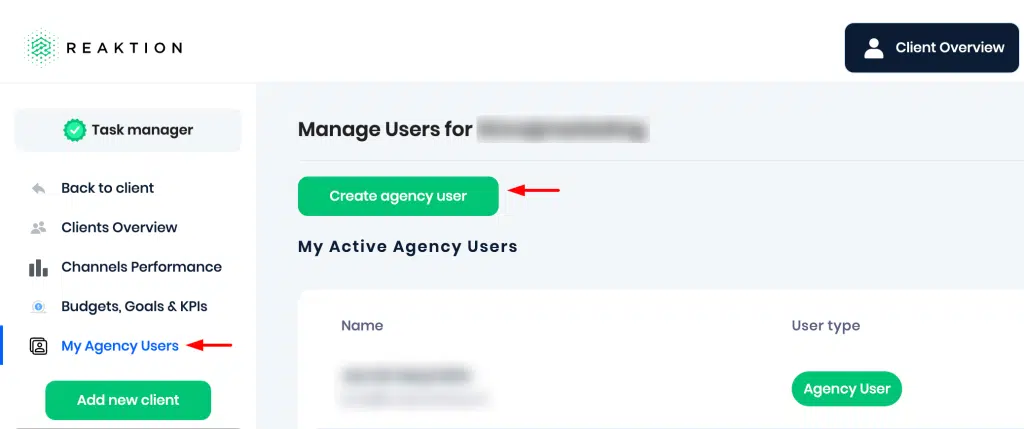
If you wish to add co-workers from your agency, please click on My Agency Users > Create agency user –
That covers all the ways in which you can manage both your e-commerce and agency users in Reaktion.